Written by Outrank. Published by Mallary Labs LLC.
Published .
7 Analytics Dashboard Examples That Show What Works
Why do some dashboards get checked every morning while others get built once, screenshotted for a launch post, and never opened again? The gap usually isn't chart quality. It's whether the view answers a specific decision fast enough that checking it beats guessing.
These seven analytics dashboard examples were picked as implementation lessons, not eye candy. Some are galleries, some are copyable templates, and one is a live demo account you can click through. Each teaches a distinct pattern, from KPI card rows and cross-filtering to narrative report pages and real-time time series. For more layout references, see these dashboard examples from Grou.
Every item below ends with what I'd copy, and what I'd skip, if you're embedding analytics into your own product. Dashboards are now a default product surface, since 78% of surveyed companies offered analytics dashboards within their products in 2025, according to Luzmo's survey of more than 200 product leaders, data teams, and executives. Studying good ones is cheaper than shipping a bad one.
Table of Contents
- 1. Tableau Dashboard Examples
- 2. Microsoft Power BI Data Stories Gallery
- 3. Google Analytics Demo Account
- 4. Looker Studio Template Gallery
- 5. Databox Dashboard Examples
- 6. Geckoboard Dashboard Examples
- 7. Grafana Dashboards
- Analytics Dashboard Examples at a Glance
- From Inspiration to Implementation Picking Your Pattern
1. Tableau Dashboard Examples
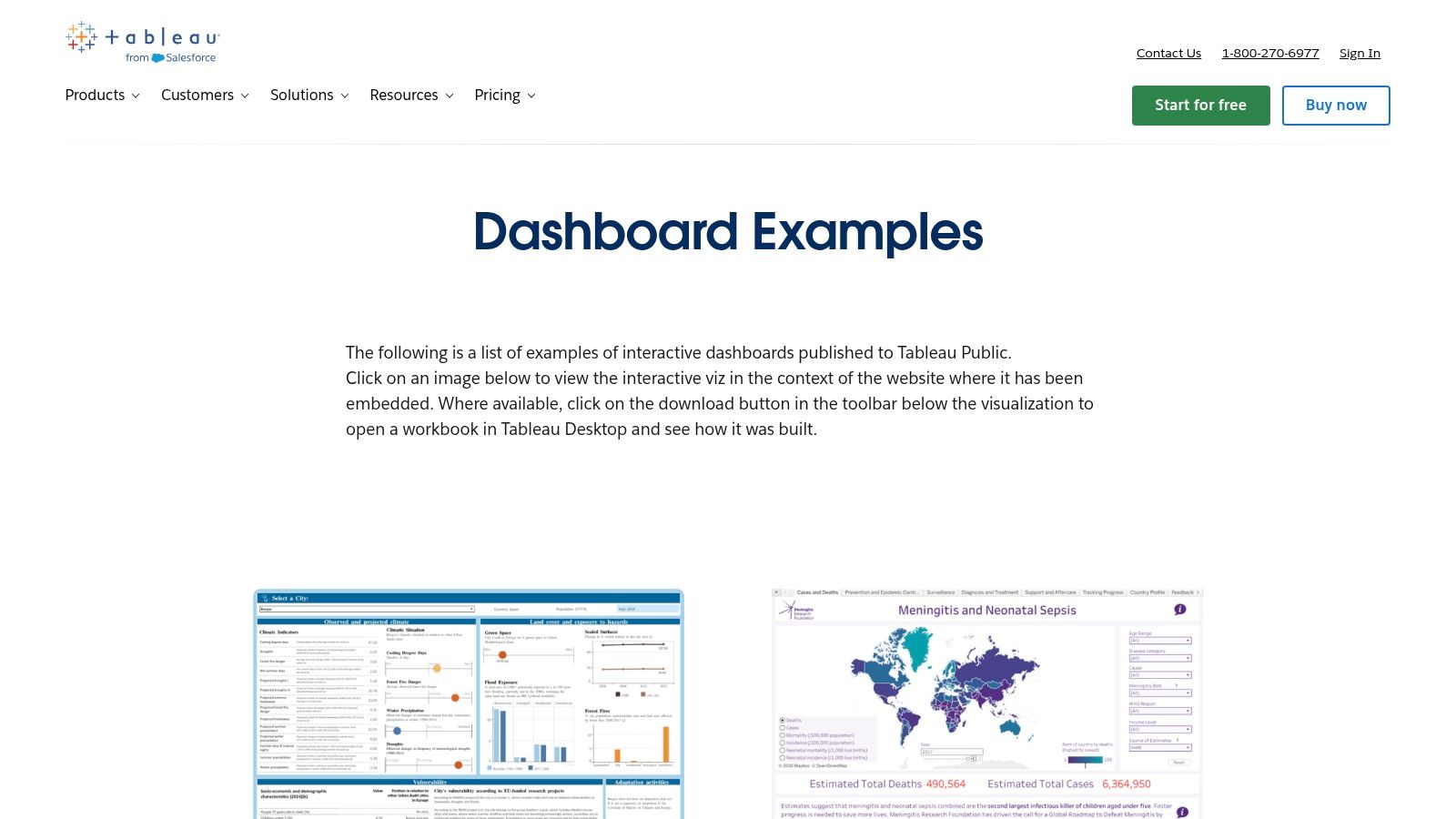
Start here when you don't know what good looks like yet. The Tableau dashboard examples gallery collects interactive dashboards across sales, customer satisfaction, telecommunications, and public data, and most run directly in the browser. You can poke at filters, hover states, and drill paths instead of guessing from a static screenshot.
The value is on Tableau Public, where some visualizations ship with downloadable workbooks. Open one and you can inspect the actual calculations, parameter actions, and sheet swapping behind the polish. That's the difference between admiring a layout and learning how it was assembled.
What to Copy and What to Skip
- Copy the filter hierarchy: Global filters sit in a consistent rail, chart level actions stay local, so users never wonder what a click changed.
- Copy the storytelling order: Headline metric first, comparison second, explanatory breakdown third.
- Skip the bespoke chart types: Many gallery pieces use Tableau specific tricks that take real work to rebuild in React or another BI tool.
Practical rule: Download a workbook and rebuild just one interaction in your own stack. If you can't reproduce it in an afternoon, don't design around it.
Tactical takeaway: Use Tableau for inspiration and interaction patterns, not as a template library. It's the strongest source here for learning layout and data storytelling, and the weakest for portability.
2. Microsoft Power BI Data Stories Gallery
Where Tableau teaches single screens, Power BI teaches sequences. The Microsoft Power BI Data Stories Gallery is a community collection of multi-page reports that walk a viewer through a question, page by page, with charts, slicers, and written narrative working together.
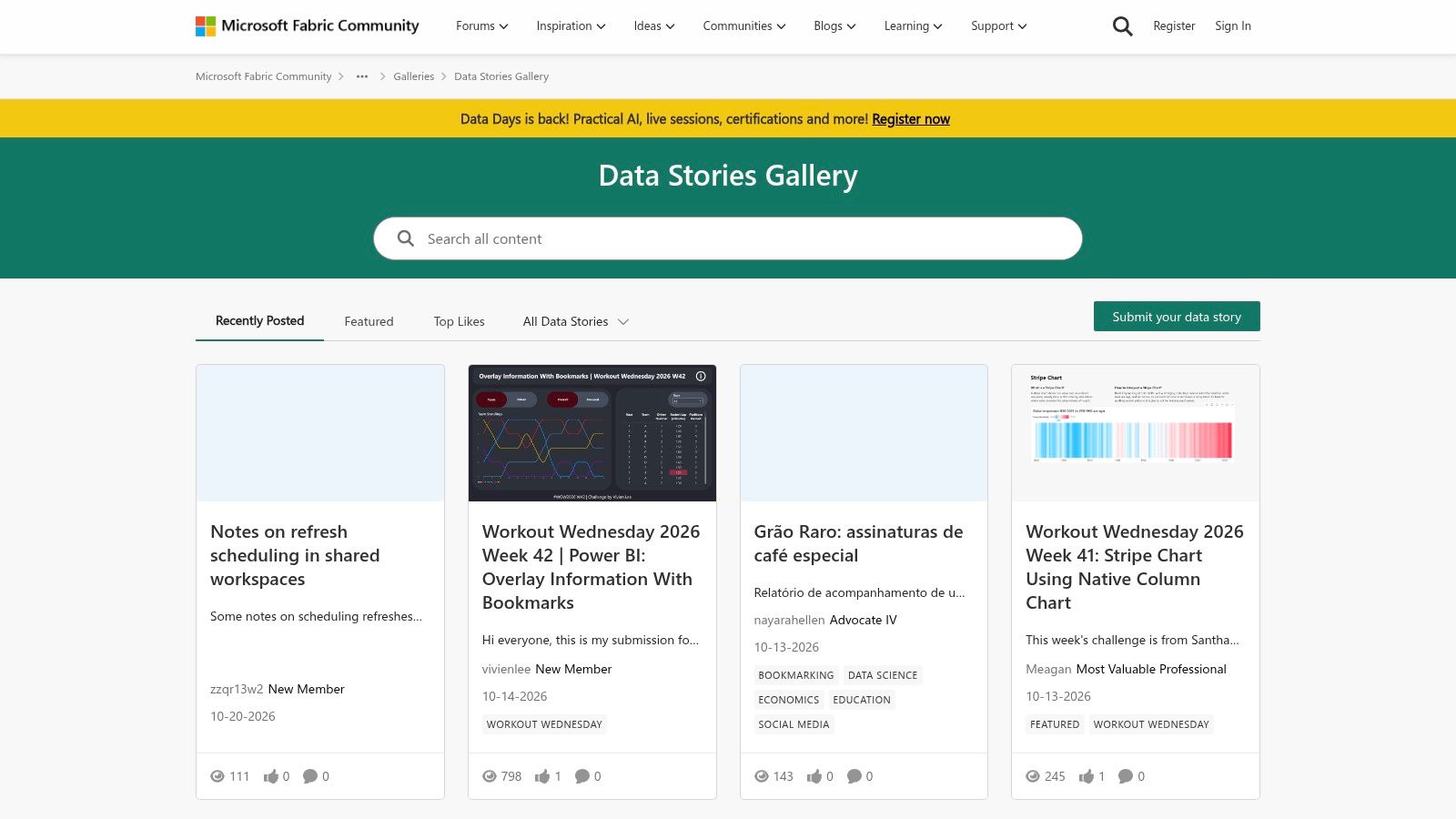
Quality varies, because anyone can submit. Some reports are maintained showcases, others are one off portfolio pieces. That inconsistency is instructive. You see which navigation patterns survive contact with real data and which collapse into slicer soup. The same lesson shows up in domain specific builds like building Power BI dashboards for HR, where the page flow matters more than any single visual.
The implementation argument for this style is measurable. In one marketing analytics implementation, replacing fragmented reporting with interactive dashboards built in Power BI and Tableau lifted campaign engagement from 22% to 80% and lead conversion from 3.2% to 5.2%, according to the Curate Partners case study. Reporting latency in that case fell from seven days to one day.
That result came from consistent definitions and shared filters across campaign, segment, and conversion views, not from prettier charts. If you're designing your own equivalent, it's worth comparing against concrete social media dashboard examples to see how page structure changes when the audience is a marketing team instead of an analyst.
Tactical takeaway: Study Power BI stories for report level narrative. Design the page sequence and the shared filter contract first, then pick visuals.
3. Google Analytics Demo Account
This one isn't a gallery at all, and that's the point. The Google Analytics demo account gives you viewer access to working properties for the Google Merchandise Store and the Flood-It! game, so you learn metrics and dimensions by using them, not by looking at pictures of them.
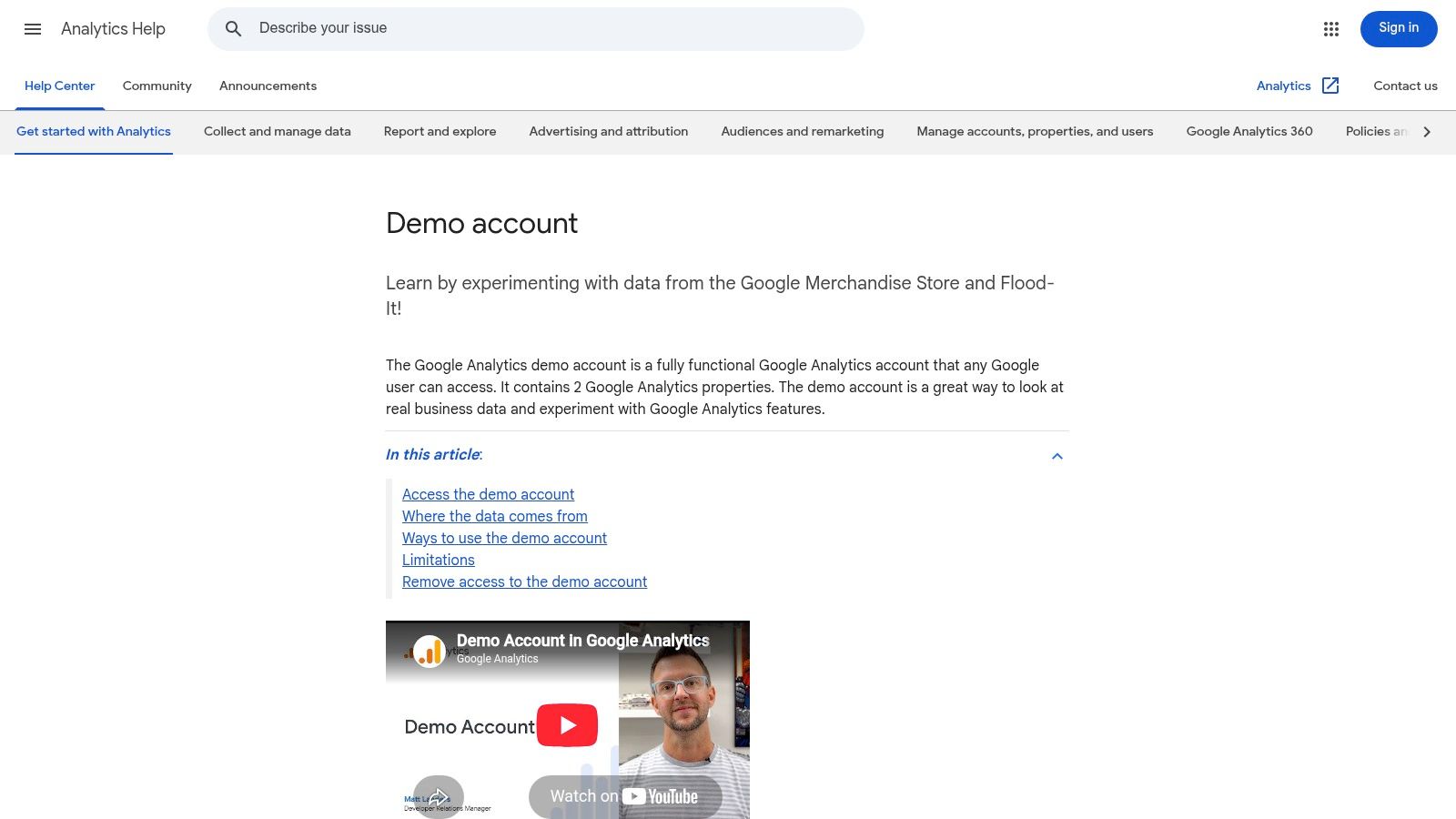
You get standard reports, funnels, and free form explorations with real shaped sample data. Change a comparison, add a secondary dimension, break a funnel by device. The interface pushes back in ways a template never will, and that friction teaches you which questions your event model can answer.
The Limits You Hit Fast
Viewer access means you can't restructure much or export freely, and the sample data is obfuscated, so it won't mirror your business. The demo properties also can't be used with the Analytics Data API, which blocks the exact workflow a developer embedding analytics most wants to test.
Treat those limits as a lesson, not a defect. Every embedded analytics feature makes the same trade, somewhere, between letting users explore and keeping definitions stable.
If a stakeholder can't explain what a dimension does after ten minutes in the demo account, your own dashboard needs fewer controls, not better documentation.
Tactical takeaway: Use the demo account for hands-on training and event model thinking. It teaches how analysts interrogate data, which is the behavior your embedded dashboards need to support or deliberately replace.
4. Looker Studio Template Gallery
Say a small marketing team needs a client facing report by Friday. They don't need inspiration. They need a file they can copy, connect, and restyle. That's exactly what the Looker Studio template gallery is built for.
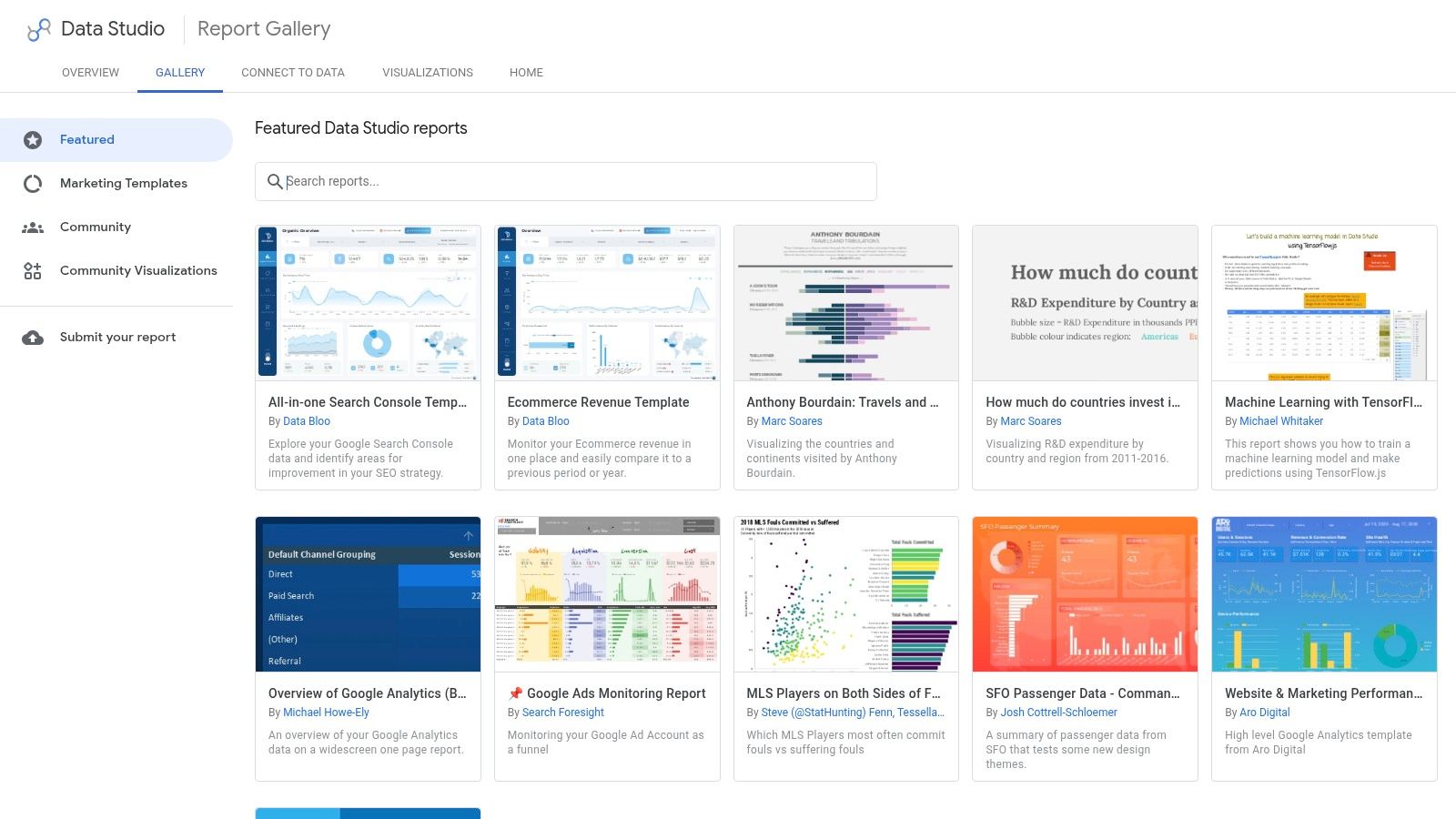
Templates cover Google Analytics, Google Ads, BigQuery, Google Sheets, YouTube Analytics, and Search Console. The workflow is copy, authorize your own data source, swap the connector, adjust the branding. Reports stay interactive and shareable by link, which is why agencies lean on this gallery so heavily.
The catch is that a copied template inherits someone else's metric choices. Blended metrics, calculated fields, and date comparisons may not match your definitions, and the mismatch stays hidden until a client asks why two reports disagree. Audit every calculated field before you share anything.
Accessibility deserves the same audit. A 2025 study of U.S. federal and state public-health dashboards found that only 22% claimed ADA compliance, according to the Frontiers in Public Health study. Template galleries optimize for the desktop visual layout, so add your own plain language summaries, text labels instead of color only alerts, and a downloadable table for every chart that matters.
Tactical takeaway: I recommend Looker Studio as the fastest path from template to shipped report for Google stack teams. Budget the saved design time for metric auditing and accessibility fixes instead.
5. Databox Dashboard Examples
Databox removes the blank canvas problem entirely. Its library holds more than 200 dashboard examples and templates, according to Databox, spanning marketing, sales, and SaaS performance at the Databox dashboard examples page.
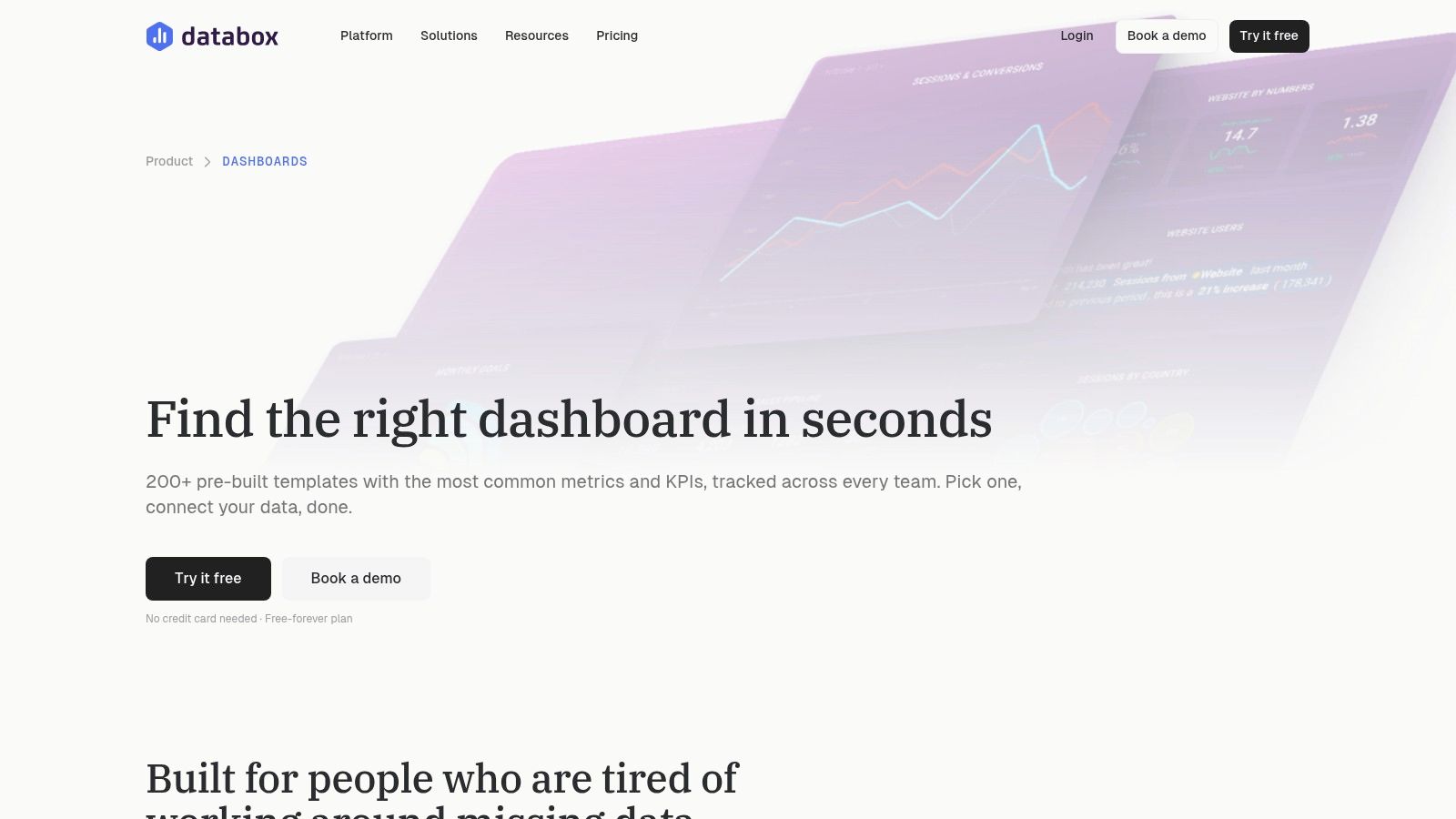
The pattern worth studying is grouping metrics from different business tools into one operational view. A template might place ad spend, pipeline, and product usage on a single screen with shared date ranges. You copy it into a Databox account, connect compatible sources, and the cross tool joins are handled for you.
Where Copying Breaks Down
- Portability: Templates are built for Databox. Recreating one elsewhere means rebuilding every connector and calculation.
- Definition drift: A template's version of a metric may not match yours, and that gap compounds across tools.
- Connector dependence: The dashboard is only as complete as the sources you're able to connect and keep authorized.
Definition drift is an industry-wide problem, not a Databox flaw. In Nielsen's 2025 Global Annual Marketing Survey, stakeholder alignment on key metrics was marketers' leading measurement challenge, cited by 22%, while incomparable data affected 19%. The same survey found 85% of marketers felt confident tracking overall performance, but only 32% measured it comprehensively.
Tactical takeaway: Copy the metric grouping logic, then write your own metric dictionary before copying a single widget. Alignment on definitions is the feature, the template is just the container.
6. Geckoboard Dashboard Examples
Geckoboard answers a narrower question than everything above. What belongs on a screen that a whole team glances at while walking past? The Geckoboard dashboard examples collection includes more than 100 examples, according to Geckoboard, organized around Salesforce, HubSpot, Shopify, Zendesk, Aircall, and Google Analytics.
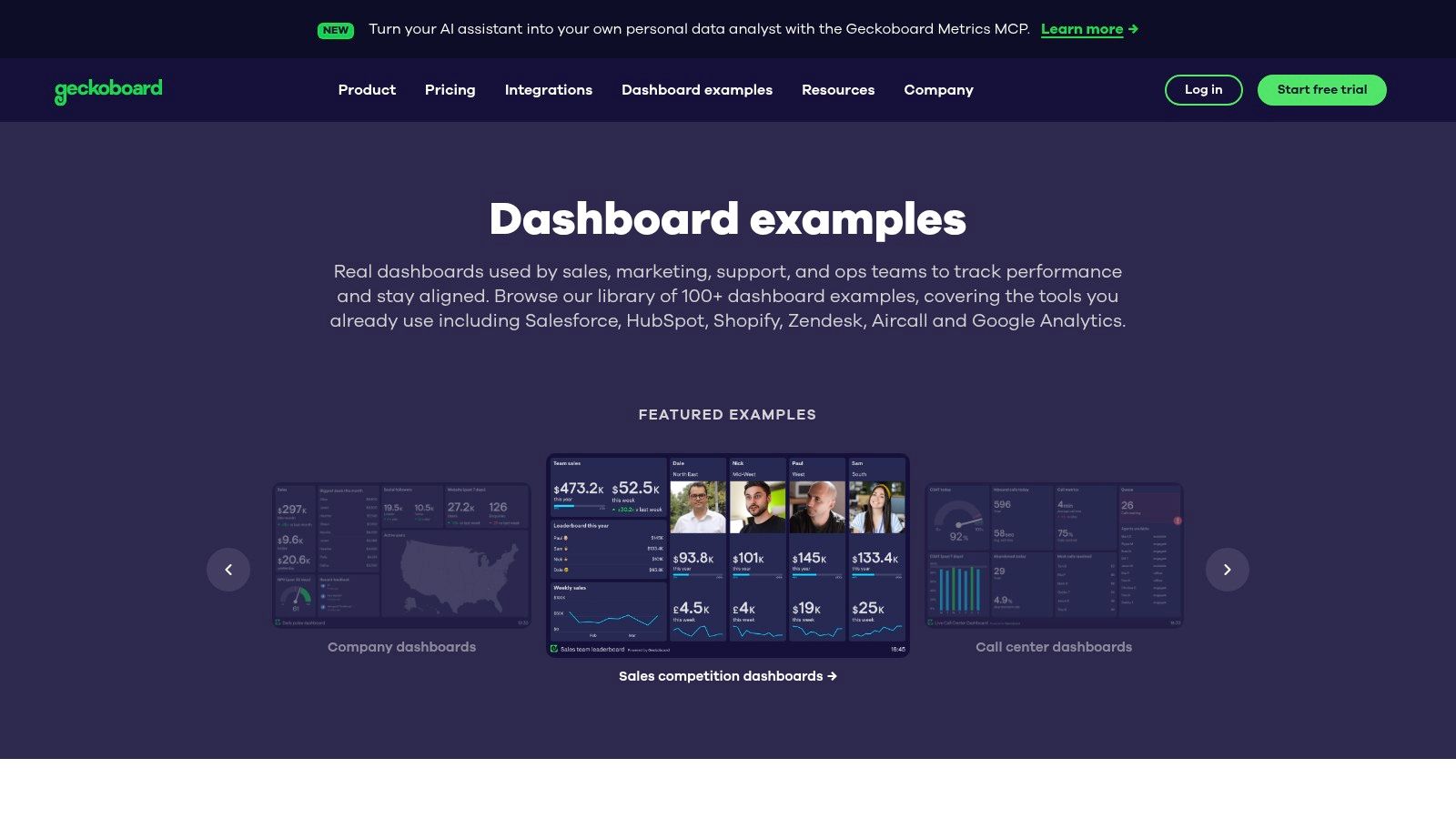
The design lesson is restraint. Wall mounted operational views show a handful of metrics with obvious status indicators, readable from across a room. There's no drilldown because the use case doesn't want one. The dashboard's job is to tell a support lead or sales manager whether today needs attention, and to do it in seconds.
That constraint makes Geckoboard a useful reference when you're deciding what to cut from your own product. If a metric can't justify itself at a glance, it belongs in an exploratory view instead. Teams evaluating where a shared screen fits alongside deeper reporting often compare it with dedicated social media dashboard software, which makes the opposite trade in favor of filtering and detail.
Tactical takeaway: Use Geckoboard to learn at a glance monitoring and metric selection for shared screens. Don't expect exploratory depth. Connecting each service also takes account setup and product access, so prototype with your two most important sources first.
7. Grafana Dashboards
Grafana is the outlier on this list, and for developers it's the most relevant one. The Grafana dashboards library organizes importable dashboards by data source and use case, covering Prometheus, Kubernetes, MongoDB, Jira, InfluxDB, and AWS services.
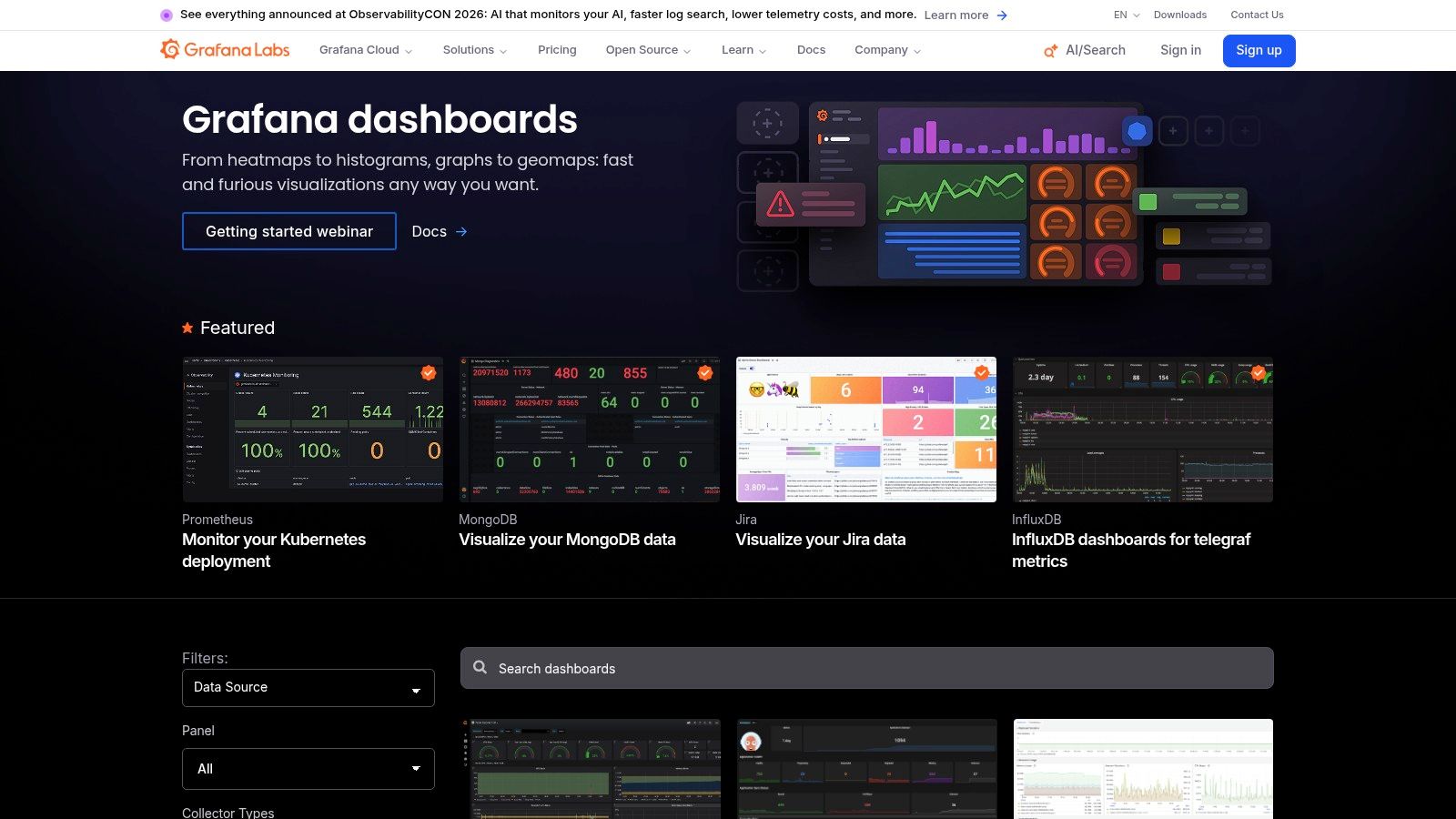
Most dashboards can be imported and adapted, and Grafana Play lets you browse live examples before committing. The patterns here are time series first. Panels share a time range, variables cascade from cluster to service to instance, and thresholds turn raw metrics into health signals. It's a masterclass in presenting dense, fast moving data without drowning the viewer.
The trade offs are real. Imported dashboards need configuration for your specific setup, variable names rarely match your environment on the first try, and the whole library assumes fluency with Grafana's data source model. It's also the least relevant source here for marketing metrics, though the underlying patterns transfer well to any high frequency view, including a real time social media engagement dashboard.
Developer built dashboards remain a large share of this world. In 2024, Plotly Dash was used by 31% of surveyed data professionals as a dashboard tool, followed by Streamlit at 28%, according to figures reported by ElectroIQ. Grafana's panel and variable patterns are worth copying even if you build in those frameworks instead.
Tactical takeaway: Study Grafana for time range handling, cascading variables, and threshold design. Those three patterns will improve almost any technical dashboard you ship.
Analytics Dashboard Examples at a Glance
| Item | Best For | Data Sources | Copyable? | Skill Level |
|---|---|---|---|---|
| Tableau Dashboard Examples | Dashboard design and data storytelling inspiration | Public data, sales, customer satisfaction, telecommunications | Some workbooks are downloadable | Beginner to intermediate |
| Microsoft Power BI Data Stories Gallery | Exploring multi-page reports and data storytelling | Business and public-interest data | Mainly for inspiration; some reports may be reusable | Beginner to intermediate |
| Google Analytics Demo Account | Practicing Analytics reports and controls | Sample ecommerce and app data | No; viewer access limits changes and exports | Beginner |
| Looker Studio Template Gallery | Building and adapting marketing or web analytics reports | Google Analytics, Google Ads, BigQuery, Sheets, YouTube Analytics, Search Console | Yes; templates can be copied and customized | Beginner to intermediate |
| Databox Dashboard Examples | Business reporting across marketing, sales, and SaaS | Multiple business tools and platforms | Yes; templates can be copied into Databox | Beginner to intermediate |
| Geckoboard Dashboard Examples | At-a-glance operational monitoring | Salesforce, HubSpot, Shopify, Zendesk, Aircall, Google Analytics | Not specified; examples are product-focused | Beginner to intermediate |
| Grafana Dashboards | Technical monitoring and observability | Prometheus, Kubernetes, MongoDB, Jira, InfluxDB, AWS | Many dashboards can be imported and adapted | Intermediate to advanced |
From Inspiration to Implementation Picking Your Pattern
Read across all seven sources and one layout keeps repeating. KPI cards up top answer whether things are fine. Trend charts in the middle answer whether they're getting better or worse. Drilldown tables at the bottom answer where to look next. Teams keep reinventing this stack because it matches how people read a dashboard under time pressure.
Match the source to your problem. Study Tableau and Power BI for inspiration, interaction design, and narrative structure. Use the Google Analytics demo account for hands-on practice with metrics, dimensions, and funnels. Pull copyable business templates from Looker Studio, Databox, and Geckoboard when speed matters more than originality. Go to Grafana for technical, real-time monitoring patterns.
Two lessons cut across every category. First, normalization beats aggregation. A peer-reviewed case study of the SocMINT dashboard, which aggregated Facebook, Instagram, and Twitter activity during the 2020 regional election in Italy, showed the value of normalizing platform events into common dimensions such as candidate or brand, topic, community, content type, date, and network while preserving source specific metrics, as described in the Social Network Analysis and Mining case study. Second, automation is arriving unevenly. In 2025, 43% of organizations reported using AI-powered analytics in production, based on Strategy's global survey of 235 professionals across 38 countries, so design your metric layer cleanly now and the AI features have something reliable to summarize later.
If you're embedding analytics in your own SaaS product, the pattern to copy is architectural. Unify fragmented data behind a single API and dashboard instead of rebuilding per platform integrations, which is the approach Mallary.ai applies to social analytics, with publishing, engagement, and metrics behind one clean API and a white-labelable dashboard.
- Define metrics first: Write the dictionary, calculation rules, and attribution windows before designing screens.
- Match layout to the question: Monitoring, exploration, and executive reporting need different views.
- Prototype from a template: Copy a proven structure, then cut whatever doesn't serve your decision.
- Wire real data last: Connect sources only after definitions and layout survive review with sample data.
Building social analytics into your product means normalizing metrics from YouTube, Instagram, TikTok, X, and more into one view your users can read. Mallary.ai unifies publishing, engagement, and cross platform analytics behind a single API and white labelable dashboard, so you can ship that view without maintaining each integration yourself. Visit the site to see how it fits your stack.
Try it with Mallary
STOP!
Want ChatGPT or Claude to post on social media for you?
Connect your social accounts one time. Then tell your AI what to write. It can make your posts, share them, and reply on social sites that allow replies. You do not need to write code.
Pick your AI





Connect once. Ask in plain English. Mallary does the work.


