A social media scheduling API built for your app
Let users plan posts without making your team build 10 schedulers. Send the content, publish time, and time zone. Mallary handles the queue and each platform API.
Try For FreeShip a useful social calendar with less work
Mallary gives your app one schedule while it handles the hard work behind the scenes.
Add scheduling faster
Give your app a social calendar without building a new queue and timer for each social network.
Post at the right local time
Send a date, time, and time zone. Mallary saves the publish time in UTC and keeps the original time zone.
Track every destination
Get one job for each platform. See what is waiting, what went live, and what needs your help.
Use an exact time or a local time
Use an exact UTC time when your app already did the math. Or send the time your user picked and their time zone. Mallary will turn it into the right queue time.
"scheduled_at": "2026-10-30T18:00:00Z"
"scheduled_at": "2026-10-30T14:00",
"scheduled_timezone": "America/New_York"
Both times above mean tomorrow at 2 p.m. in New York when this page is generated. Choose your own future time. Use this request on your server with a paid plan and connected accounts. Replace the API key and media URL with your own; upload the media to Mallary first.
For a text-only cURL example and delivery checks, read how to schedule social media posts with an API.
const response = await fetch('https://mallary.ai/api/v1/post', {
  method: 'POST',
  headers: {
    'Authorization': 'Bearer YOUR_API_KEY',
    'Content-Type': 'application/json'
  },
  body: JSON.stringify({
    platforms: ['facebook', 'instagram', 'linkedin'],
    message: 'Our new feature goes live today.',
    media: [{
      url: 'https://files.mallary.ai/launch.mp4'
    }],
    scheduled_at: '2026-10-30T14:00',
    scheduled_timezone: 'America/New_York'
  })
});
const result = await response.json();
if (!response.ok) throw new Error(JSON.stringify(result));
console.log(result.jobs);
Save each jobs[].jobId. A queued response is not proof of publication. Check GET /api/v1/jobs/{id} after the publish time, or use status webhooks. Read the job status reference for results and any required action.










Add social media scheduling to your app in three steps
Connect accounts, send the post and publish time, then track each platform job. Mallary runs the queue and reports the result.
-
1
Connect accounts and choose channels
Let users connect their accounts in Mallary. Pick the platforms and add your message, media, and any platform options.
-
2
Set the publish time
Send one exact timestamp, or send a local time with an IANA time zone such as America/New_York.
-
3
Watch the jobs
Check each job, list grouped posts, or use webhooks. Edit or delete a scheduled post before publishing starts.
Tools your scheduler needs
Save unfinished drafts
Save text, media, and platforms without a date on any plan. Publish or schedule the saved draft when you are ready.
Exact publish times
Use a UTC or offset timestamp when your app already knows the exact moment.
Local time zones
Use a local wall-clock time and an IANA time zone when the audience cares about local time.
One grouped post
Schedule one post across many platforms and keep all platform jobs in one group.
Platform-specific content
Change captions, titles, post types, and other supported options for each destination.
Edit or cancel posts
Change a scheduled post, including its platforms or profile, or delete it before publishing starts.
Status webhooks
React when a post is scheduled, published, partly published, or failed.
No Code? No Problem.
You don't even need to know what an API is. Just use your preferred tool, connect Mallary, and tell it what you want to post.
-
Claude
Add Mallary to Claude. Then ask Claude to post, reply, upload media, or check results.
Use Mallary with Claude -
ChatGPT
Add Mallary to ChatGPT. Then ask ChatGPT to post, reply, use images, or check results.
Use Mallary with ChatGPT -
Codex
Paste one setup prompt into Codex. Sign in, then tell it what you want to post.
Set up Codex -
Claude Code
Paste one setup prompt into Claude Code. Sign in, then tell it what you want to post.
Set up Claude Code -
MCP
Connect Mallary to an AI tool that works with MCP. Then ask it to help with your social accounts.
Explore MCP -
OpenClaw
Paste one setup prompt into OpenClaw. Sign in, then tell it what you want to post.
Set up OpenClaw -
Hermes
Paste one setup prompt into Hermes. Sign in, then tell it what you want to post.
Set up Hermes -
n8n
Build a visual workflow that posts content, uploads media, and handles comments for you.
Explore n8n -
Make
Build a visual workflow that connects Mallary to the other apps you use.
Explore Make -
Mallary Dashboard
Plan and publish social media posts from one dashboard. Reply to comments and track what works. Get all the same features as our API, with no code.
Open the dashboard










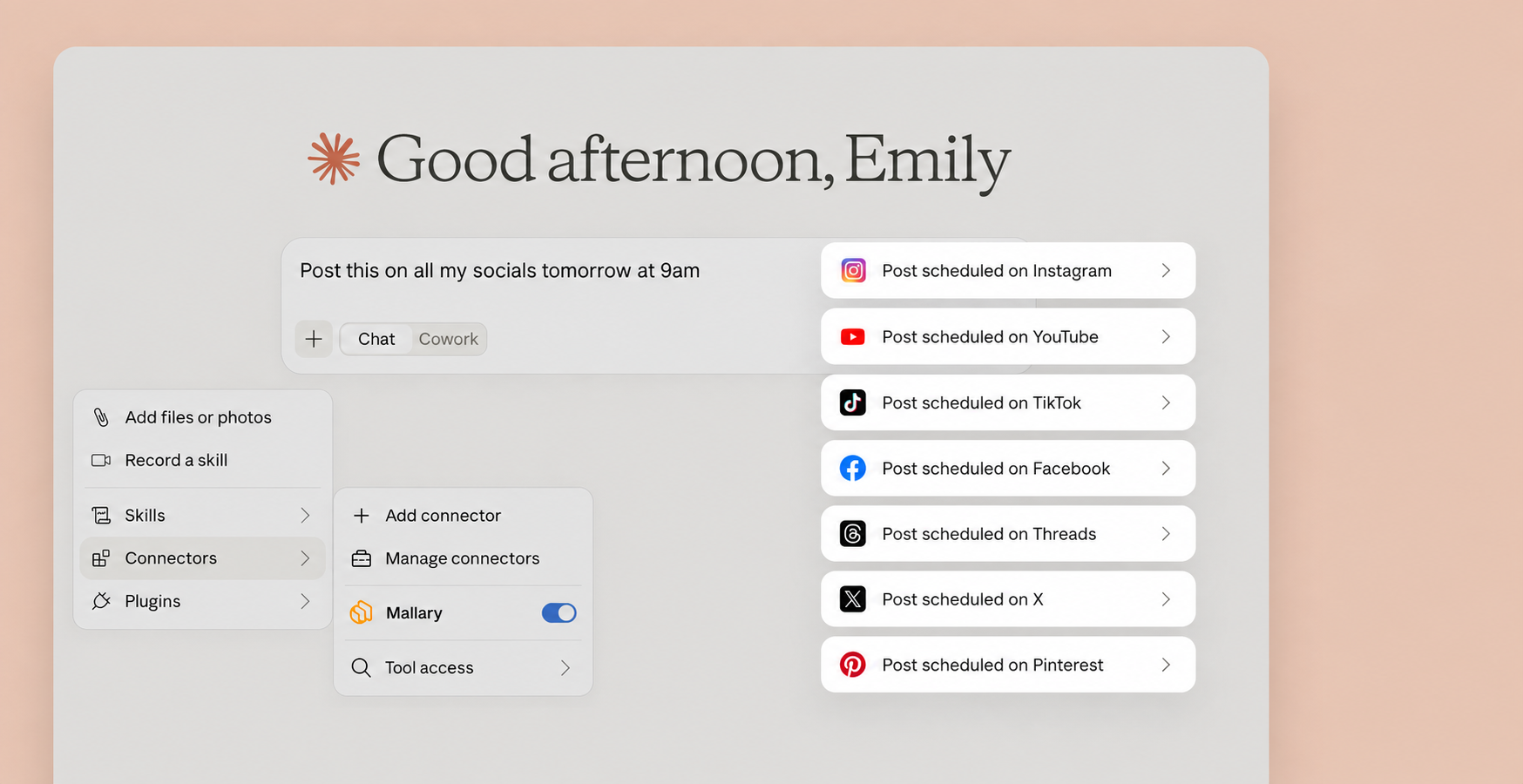
Let Claude handle your social media posts
with a little help from the official Mallary Claude connector.
Questions developers ask
Short answers about publish times, time zones, jobs, and plans.
Can I save a post without publishing it or choosing a date?
Yes, on any plan. Use POST /api/v1/drafts to save an unfinished post. Read, edit, or delete the draft by its ID. Only POST /api/v1/drafts/{id}/submit publishes or schedules it. Draft saves do not use your posting allowance. Normal plan and platform rules apply when you submit.
What is a social media scheduling API?
A social media scheduling API lets your app set a future time for a social post. The API saves the post, waits for that time, and then sends it to each chosen social platform.
How do I schedule social media posts with an API?
Send your normal POST /api/v1/post request and add scheduled_at. You can send an exact timestamp with a time zone offset, or pair a local time with scheduled_timezone.
Can I add social media scheduling to my app?
Yes. Let users connect their social accounts in Mallary. Your app sends the post and publish time through the API, then checks each platform job or listens for a webhook.
What do I need to build for a SaaS social media scheduler?
Build the editor, calendar, user permissions, and any approval steps your product needs. Mallary handles social account connections, the publish queue, platform jobs, retries, and status. Send scheduled_at with each post and save the returned job IDs so your app can show the result.
How does Mallary handle time zones?
You can send a local date and time with an IANA time zone such as America/New_York. Mallary turns it into UTC for the queue and returns the original scheduled_timezone when you read the grouped post.
Can one request schedule posts on many platforms?
Yes. Add any supported connected platforms to the platforms array. Mallary creates one job for each platform and keeps them together as one grouped post.
Can I edit a scheduled post?
Yes. Call GET /api/v1/posts/{id} to read the post and its revision. Then call PATCH /api/v1/posts/{id} to change its content, time, platforms, or connection profile before any platform starts publishing. One profile applies to the whole post group.
Can I cancel a scheduled post?
Yes. Call DELETE /api/v1/posts/{id} while the grouped post is still pending and publishing has not started.
How do I know when the scheduled post is live?
Check GET /api/v1/jobs/{id}, list grouped posts, or listen for webhooks. Finished jobs include a platform post ID and public URL when the platform provides them.
Which plans include API scheduling?
Scheduling is included with Starter, Pro, and Business plans. Paid plans can be tried free for 14 days.
Build your social scheduler on one API
Connect the accounts, copy your API key, and schedule your first multi-platform post.