Written by Outrank. Published by Mallary Labs LLC.
Published .
7 Social Media Management Software Tools for 2026
Your marketing team is posting to several networks, answering comments, and preparing a client's monthly report. The calendar looks organized, but someone still fixes failed uploads, copies results into a spreadsheet, and reconnects accounts. Meanwhile, your developer wants to add publishing to your app without maintaining separate platform integrations.
The right tool depends on the job, not the feature list. Every platform below can publish posts. The differences show up when you add collaborators, connect client accounts, automate workflows, or need to explain a failed job.
That fragmentation reflects how audiences behave. The typical social media user actively uses or visits 6.66 social platforms each month, according to DataReportal. Your team needs consistency across channels, not identical posts everywhere.
These social media management software options suit different kinds of work: embedded publishing, everyday scheduling, customer care, visual planning, and agency reporting. Compare the workflow you'll use, then examine how the bill changes with seats, channels, and API access.
Table of Contents
- 1. Mallary.ai
- 2. Buffer
- 3. Hootsuite
- 4. Sprout Social
- 5. Later
- 6. Metricool
- 7. SocialPilot
- Starting price, plan structure, and API access across the seven social media management software options
- Match the Tool to Your Workflow Before You Commit
1. Mallary.ai
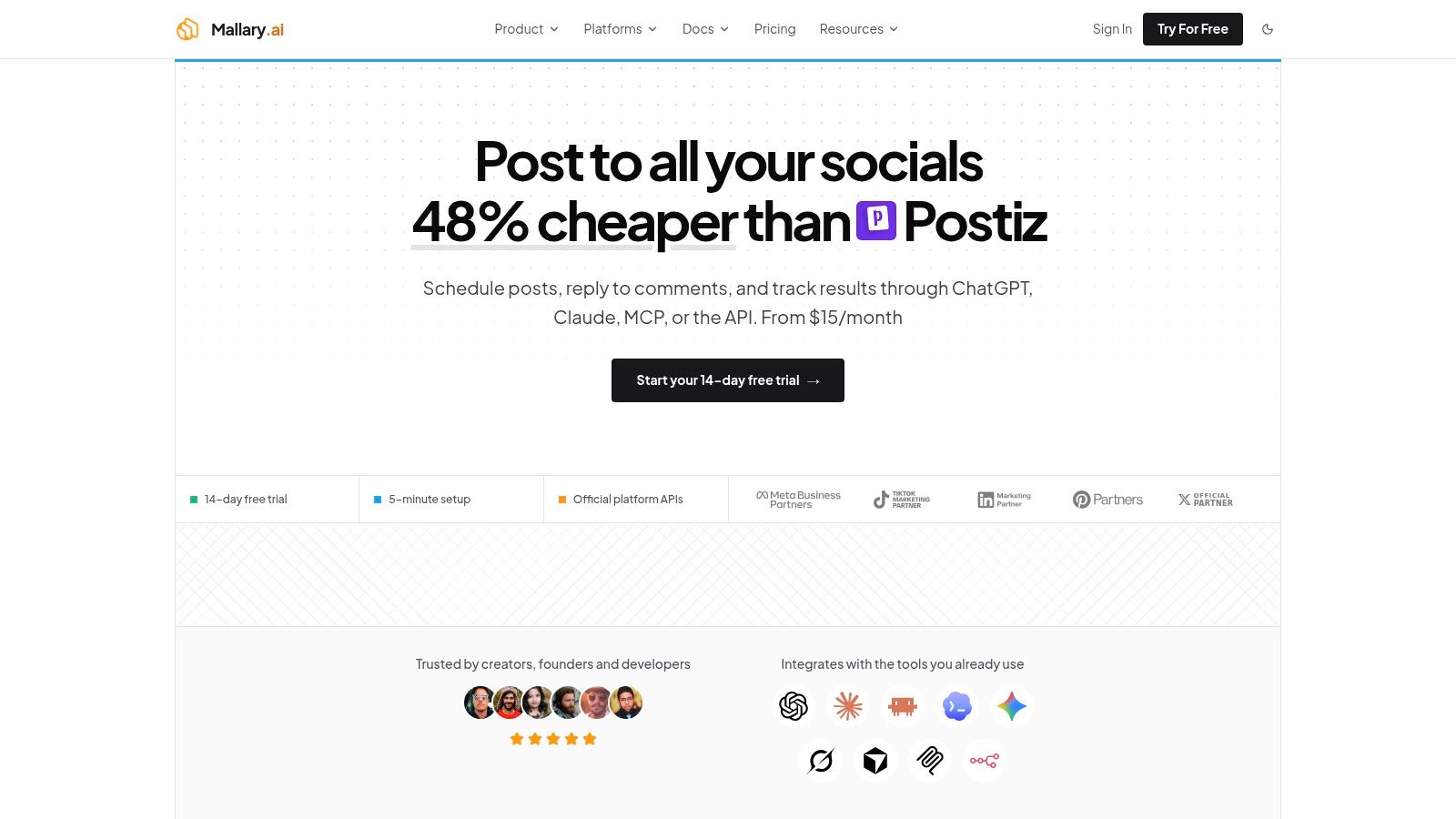
Best for developers embedding publishing and teams building automated social workflows. Our platform combines publishing, comment management, and analytics through a dashboard, REST API, MCP, and CLI. You can use the dashboard directly or connect publishing to your application, AI agent, n8n, or Make workflow.
The main benefit is less integration maintenance. We handle OAuth, token refresh, rate limits, retries, idempotency, and durable publishing queues, rather than leaving your developer to rebuild those controls for each network. Preflight checks validate media and required choices before submission, although the social platform still makes the final publishing decision.
Where the API-first approach fits
Say your SaaS app turns approved product updates into social posts. Your application can submit the content, schedule publication, and use webhooks to track the result. A marketer can work through the dashboard while a developer uses the API for repeatable jobs.
We also offer first-comment publishing on supported post types and AI comment replies. These are useful when your workflow extends beyond getting the original post live.
- Pricing structure: Starter costs $15 per month for 5 social accounts, with unlimited posts, scheduling, analytics, and AI comment replies. We offer a 14-day free trial.
- Usage exception: A post or reply to X containing links costs $0.20. Include that charge when estimating automated campaign costs.
- Migration limit: We don't import another tool's post history or scheduled queue. Existing published posts stay on your social accounts, but you'll recreate upcoming schedules.
Where it breaks: Network support doesn't mean identical capabilities everywhere. Comments Under Post doesn't support Stories or TikTok posts, for example. White-label descriptions also need careful interpretation, so don't assume that embedding an API provides a fully rebranded management application.
I'd shortlist this option when publishing is part of your product or automation stack, rather than just a task someone completes in a calendar.
2. Buffer
Buffer suits the person who wants to prepare content, fill a queue, and move on. Its calendar, post ideas, AI Assistant, analytics, and community inbox cover the everyday work of creators and lean marketing teams.
Buffer also offers API access and integrations with automation tools, including Zapier, Make, and n8n. That gives you a path beyond manual scheduling without making a custom publishing system your starting point.
For a freelancer managing a small collection of profiles, this is a sensible balance. You can keep drafts and publishing in a dedicated tool instead of coordinating everything through documents and native apps.
Watch the channel-based bill
Buffer prices around connected channels. That can work well for a focused presence, but each additional client or brand brings more billable connections. Compare the cost of your intended account portfolio, not just the first profile you connect.
- Choose it for: Straightforward scheduling, an accessible calendar, and a workflow that doesn't require extensive setup.
- Check the tier: Advanced collaboration and analytics require paid plans. Test the features your reviewer and report recipient will need.
- Choose something else for: Complex enterprise governance or an embedded product workflow that needs detailed control over publishing jobs.
Buying rule: Price the accounts you expect to manage after onboarding your next client, not just the accounts you have today.
During a trial, make a draft, request feedback, publish it, and find its results. That sequence is more useful than browsing a populated demo calendar.
3. Hootsuite

A marketing department managing publishing, customer conversations, and brand monitoring has different needs from a creator filling a queue. Hootsuite fits that broader operational job, bringing scheduling, a shared inbox, monitoring, and reporting into a central workspace.
Its breadth is useful when team members would otherwise switch between disconnected tools. The trade-off is a busier interface and more configuration than a basic scheduler requires.
The buying question isn't whether Hootsuite has enough features. It's whether your team will use the capabilities that justify the plan, including any reporting and workflow functions reserved for higher tiers.
Budget for people, not just profiles
Per-user pricing can make collaboration expensive. Include the people who approve content, handle customer questions, and cover absences when estimating the subscription. Don't assume everyone can work safely from a shared login.
Test account reconnection, failed publishing, and report creation as carefully as the calendar. Those tasks reveal whether the broader suite reduces work or moves it into another interface.
If scheduling is your main requirement, compare these free Hootsuite alternatives before paying for a broader suite. If your requirement is specifically LinkedIn activity, compare LinkedIn engagement tools separately from your general scheduling needs.
Choose Hootsuite when several social functions need a shared home. Skip it when the team mainly needs a clean queue and would leave monitoring, inbox management, and advanced reporting unused.
4. Sprout Social
Choose Sprout Social when social media is a customer-service channel as well as a publishing channel. Its Smart Inbox, reporting, monitoring, and collaboration workflows suit teams that need to assign conversations and maintain clear ownership.
Sprout Social is a more substantial purchase than a basic scheduler. That can be justified when staff need structured handoffs and service reporting, but it's difficult to justify for a creator who mainly schedules content.
A useful warning comes from Sprout Social's productivity report: in its survey of full-time social marketers at large US and UK companies, 86% of directors believed teams used all or most platform features, while managers and individual contributors reported using as little as half. Buy for demonstrated workflows, not management's assumed usage.
Test the handoff
Use a realistic customer question during evaluation. Have a marketer receive it, assign it to a colleague, add context, and confirm who owns the response.
- Strength: Shared conversation management and reporting are more developed than in a basic publishing queue.
- Cost trap: Seat-based pricing grows with the team, while advanced care tools, listening, and API access can require higher tiers.
- Poor fit: A small operation that doesn't need service workflows may pay for complexity it won't use.
Agencies should also compare client separation, approval access, and reporting requirements against these social media management tools for agencies.
I'd favor Sprout when conversation ownership is a daily operational requirement. For publishing alone, start with a narrower tool.
5. Later

A creator preparing product photographs and short videos needs to see the campaign, not just its publishing dates. Later suits visual-first planning, particularly when Instagram and TikTok are central to the work.
Its drag-and-drop calendar helps teams organize image- and video-led content. Link in Bio and social analytics complement scheduling, while inbox, approvals, and collaboration depend on the plan.
Say you're launching a clothing collection. You need to check that product images, styling videos, and launch reminders form a coherent sequence. Later's visual approach is more relevant to that job than a developer-oriented job queue.
A visual preview helps you review presentation. It doesn't replace checking the actual publishing behavior of each post format.
Check formats and social-set allowances
Test the content you'll really publish, including the correct account type and media format. A supported network isn't a promise that every native publishing option works through the management tool.
For Instagram-heavy work, use this guide to scheduling posts on Instagram to identify the steps your trial needs to cover.
The pricing trap is the package around the calendar. Check posting allowances, social sets, and the tier required for approvals or inbox work. A plan that suits a solo creator may not suit a client-facing team.
Later is less compelling when your work is text-first or API-centric. Choose it because visual review improves how you produce content, not because the calendar looks appealing.
6. Metricool
Metricool is a strong candidate when the report matters as much as the publishing queue. Metricool combines scheduling with analytics, competitor tracking, and reporting, making it relevant to marketers and agencies that regularly turn performance data into recommendations.
Advanced plans add team and client management, roles, approvals, and customizable reports. MCP access is available on the free plan, while API access requires Advanced or Custom, an important distinction for developers evaluating automation.
The limit is interpretation. A dashboard can collect platform results without proving which activity caused a sale. In a global survey of marketing leaders, 44% rated their social teams as expert at measuring business impact, according to Sprout Social's impact report.
Build a client report during the trial
Don't stop at connecting profiles. Recreate the report you owe a client, including the comparisons and explanations they expect.
- Check connections: The free plan excludes LinkedIn and X connections, so it may not represent your intended workflow.
- Check reporting flexibility: Confirm that customization and exports match your deliverable before committing.
- Check automation access: MCP access and general API access aren't interchangeable. Match the interface to the application you're building.
For revenue reporting, use consistent campaign identifiers and UTM parameters, then connect conversion events from your analytics or CRM. Keep assisted conversions separate from directly attributed sales.
Choose Metricool for performance analysis and recurring reporting. Don't expect aggregated social metrics alone to resolve cross-channel attribution.
7. SocialPilot

An agency needs to get content approved without turning every campaign into an email chase. SocialPilot fits client operations, with bulk scheduling, a content library, client approvals, and white-label reporting.
Its appeal is operational rather than developer-first. Account limits, included users, approval access, and reporting tiers matter more here than whether an engineer likes the API design.
Client approvals and white-label reports are available on Premium, with more advanced white-label capabilities on Ultimate. API access and SSO sit in the custom Enterprise plan, so a developer shouldn't assume self-serve API access comes with an ordinary subscription.
Follow a post through approval
Create a draft, send it to a client, request a revision, and return it for approval. Check whether both sides can tell which version is final and whether staff can keep unrelated client work separate.
Agency test: A client should be able to approve a post without learning your entire internal workflow.
Bulk scheduling is useful when you already have approved material. It won't fix unclear ownership or a client who receives incomplete drafts.
The cost trap is buying the entry plan for an agency workflow that needs a higher tier. Calculate the package around client approvals, reporting, account capacity, and staff access. Then assess how much manual work remains outside the tool.
Choose SocialPilot when client-facing publishing and reporting are the priority. Choose an API-first alternative when social publishing belongs inside your own product and Enterprise procurement would slow the project.
Starting price, plan structure, and API access across the seven social media management software options
| Item | Pricing model | Free option | Best for | API access |
|---|---|---|---|---|
| Mallary.ai | Starts at $15/month | 14-day free trial | Developers and teams automating social workflows | Yes |
| Buffer | Per connected channel | Free plan for up to three channels | Creators and small teams needing straightforward scheduling | Yes |
| Hootsuite | Per user | Not specified | Organizations managing many profiles and conversations | Not specified |
| Sprout Social | Per seat, with higher-tier plans | Not specified | Teams with structured customer-care and reporting needs | Available on higher tiers |
| Later | Plan-based; details not specified | Not specified | Teams planning visual-first social content | Not specified |
| Metricool | Tiered plans | Free plan available | Marketers and agencies focused on analytics and reporting | Available on Advanced and Custom plans |
| SocialPilot | Tiered plans; Enterprise pricing is custom | Not specified | Agencies managing multiple accounts and clients | Available on the custom Enterprise plan |
Match the Tool to Your Workflow Before You Commit
Start with the jobs you need done: publishing from code, collecting client approvals, answering comments, reporting results, or planning visual content. Rank those jobs by frequency and consequence. A missing feature used every day matters more than an impressive feature you'll rarely open.
Developers should shortlist around API access, publishing status, retries, and failure recovery. Agencies should prioritize client separation, approvals, and report delivery. Creators should focus on drafting speed, format support, and a calendar they'll keep current.
Test the work that usually goes wrong
Use real accounts and representative content, not just sample posts. Schedule a video, revise an approved draft, reconnect an account, and trace a failed submission. Confirm that the person responsible can understand what happened without asking an engineer to investigate.
- Model growth: Include additional collaborators, client accounts, and any higher tier required for API access.
- Measure useful completion: Track successful publishing, completed approvals, and usable reports rather than account connections alone.
- Control automated replies: Start with approved FAQs and routing. Escalate sensitive complaints, personal information, and claims that need human review.
That last point deserves attention. Only 37% of respondents had a fully defined AI marketing policy in Emplifi's survey of marketing leaders across the US, UK, Australia, and New Zealand, reported by IT Brief. Set boundaries before enabling automated responses.
Our Starter plan provides an API-first option at the account level, with a trial for testing the workflow before committing. If you're migrating, keep the old scheduler active until you've recreated and checked the upcoming queue.
The best social media management software is the one that reduces your recurring work without hiding failures or making growth unexpectedly expensive. Choose on that basis, not on the longest feature list.
Bring publishing, scheduling, comment management, and analytics into one API and dashboard with Mallary.ai. Connect your real accounts during the free trial, then test a complete workflow through the dashboard, REST API, MCP, CLI, n8n, or Make before choosing a plan.
Try it with Mallary
STOP!
Want ChatGPT or Claude to post on social media for you?
Connect your social accounts one time. Then tell your AI what to write. It can make your posts, share them, and reply on social sites that allow replies. You do not need to write code.
Pick your AI





Connect once. Ask in plain English. Mallary does the work.


