Written by Outrank. Published by Mallary Labs LLC.
Published .
7 Best YouTube HD Downloader Online Options
The popular advice is backwards. Most roundups tell you to find the fastest YouTube HD downloader online, paste a link, and pick the highest number on screen. That's how you end up with the wrong file, no right to use it, or a browser full of deceptive download buttons.
Start with why you need the video. Offline viewing, recovering your own upload, backing up a channel, and getting a reusable file are four different jobs, and they don't share the same best tool. Ownership and permission decide the route first, resolution comes second.
That order matters because HD itself isn't a single standard. YouTube added 720p playback in November 2008 and 1080p support in November 2009, and it defines 720p as 1280×720 pixels and 1080p as 1920×1080 pixels in YouTube's account of rising upload quality. A tool that can't tell you which one you're getting, in what codec and at what bitrate, isn't giving you control. It's giving you a label.
Use the official routes first when they fit. Drop to third-party sites only for content you own or have clear permission to save, and treat their convenience as a trade, not a win.
Table of Contents
- 1. YouTube Premium
- 2. YouTube Studio
- 3. Google Takeout
- 4. Request the Creator's Original File
- 5. YouTube Creative Commons Search
- 6. SaveFrom
- 7. SaveTheVideo
- Top 7 YouTube HD Download Options Compared
- Choose by Ownership, Permission, and Output
1. YouTube Premium
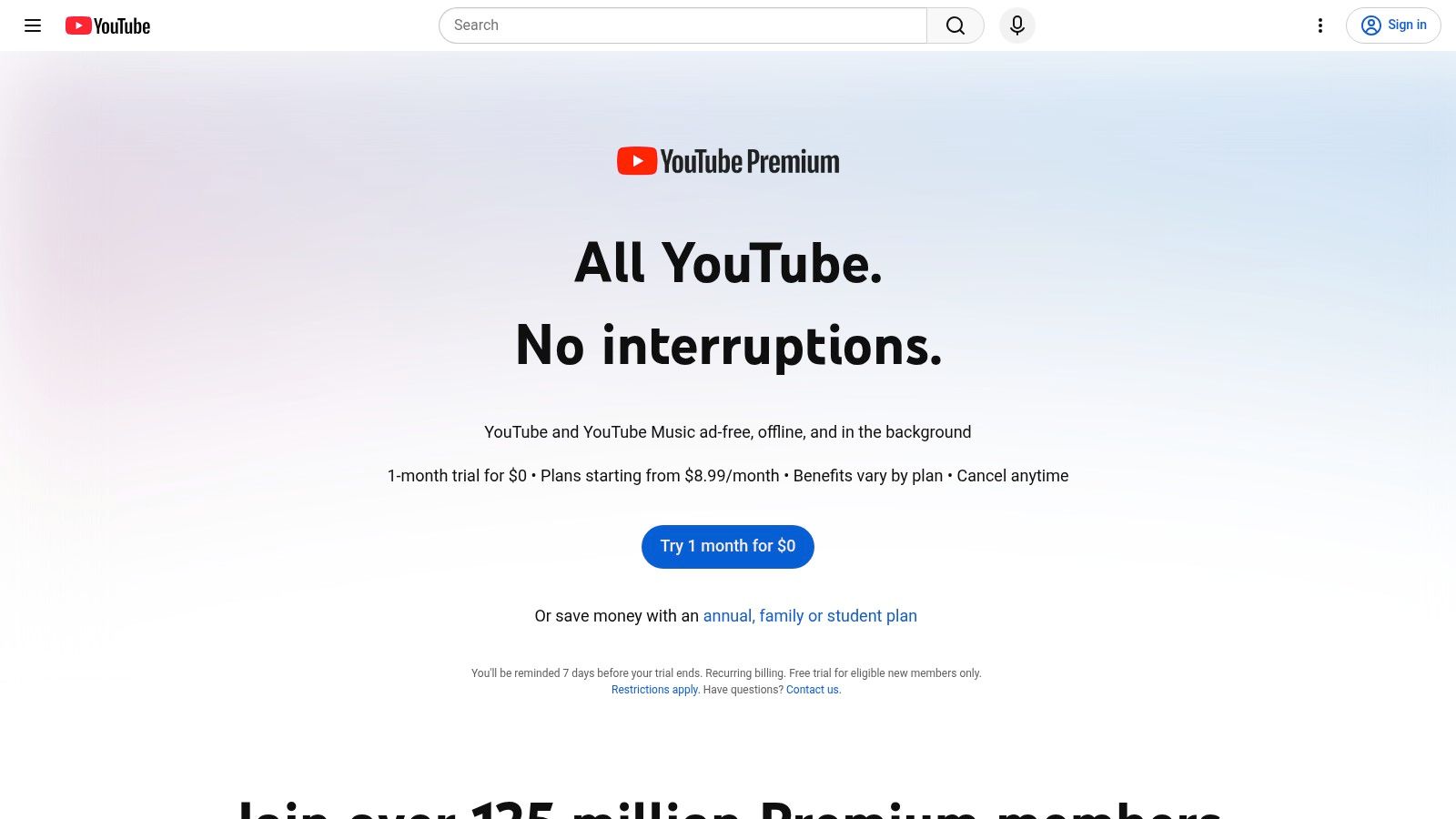
If you just want to watch offline, stop searching. YouTube Premium is the only option on this list built for that job, and it's the right pick for flights, commutes, and unreliable connections. You save eligible videos inside YouTube, choose a download quality, and play them back in the app on supported mobile devices and select desktop browsers.
You don't get a file. Downloads are encrypted and playable only in YouTube, so you can't move them into an editor, hand them to a client, or archive them outside your account. That's not a flaw to work around. It's the product working as designed.
Where Premium Fits and Where It Doesn't
- Best use: Personal offline viewing of other people's videos, with no editing or reuse planned.
- Avoid it for: Repurposing clips, building a media library, or backing up your own channel.
- Cost reality: You need a paid membership where the feature is available, and availability varies by account, device, browser, and video.
The boundary is explicit in platform policy. YouTube's developer policies on downloading and offline playback state that API clients must not store copies of YouTube audiovisual content without prior written approval, and they give offline play outside the Premium experience as a prohibited example. If your workflow needs a portable file, Premium won't supply it and a workaround doesn't change your rights.
For creators weighing whether Premium viewing affects revenue, it's worth understanding what YouTube pays per view before you assume offline plays behave like regular ones. For everyone else, the verdict is simple. Buy convenience for watching, not a downloader.
2. YouTube Studio
Channel owners don't need a third-party YouTube HD downloader online to recover a single upload. YouTube Studio lets you download videos you uploaded as MP4 files through a browser, using the Google account that owns the channel. No converter site touches your content, and there's no cost.
The catch is quality. Studio downloads are typically 720p or 360p depending on video size, so the file you get back may sit well below the master you uploaded. If you shot and delivered in 1080p or higher and deleted the original, Studio gives you a usable copy, not your source.
Practical rule: Treat a Studio download as a recovery file, not an archive. If the video matters for future edits, this isn't your backup strategy.
You'll also hit eligibility limits. Only videos you uploaded qualify, and some are excluded, including certain videos with strikes or preapproved audio tracks. When a video is ineligible, Studio won't tell you a third-party route is fine instead. It just won't serve the file.
Use Studio When Speed Beats Fidelity
Pick Studio when you need one of your own videos quickly for a repost, a caption check, or a reference copy, and 720p is good enough. Skip it when you need original resolution, when you're retrieving many videos, or when someone else owns the upload. For programmatic access to your own channel data, the YouTube API is the supported path, and it's a different tool from file retrieval entirely.
Be honest about the gap. A 720p MP4 from Studio is fine for social reposting and internal review. It is not fine as the sole surviving copy of work you may need to re-edit later.
3. Google Takeout
Backing up a channel one video at a time is a waste of your afternoon. Google Takeout exports data tied to your Google account in bulk, including your uploaded YouTube videos, and it's free. For a library backup or a channel migration, this is the correct official route and Studio isn't close.
Takeout serves videos in their original format or as MP4 files with H.264 video and AAC audio, which makes it the better fidelity choice for owners. Archives can go to local download or a supported storage destination. You sign in, request the export, and wait for processing to finish.
Plan for size before you start. Industry encoding guidance puts typical 1080p around 4,500 to 8,000 kbps, and at roughly 6,000 kbps one hour holds about 2.7 GB of video payload before audio and container overhead, per streaming resolution and bitrate guidance from Enveu. Multiply that across a mature channel and you're looking at serious storage and transfer time.
- Check the account first: Brand Account videos may require switching to the correct account before you export.
- Stage the destination: Confirm free disk space or cloud quota before a large archive lands.
- Don't rush it: Processing takes time, and a bulk export is the wrong tool for one urgent clip.
Takeout only covers content associated with your account. It won't retrieve another creator's video, a client upload on their channel, or anything you merely have permission to reuse. Within its lane, though, it's the strongest option here. Owners who care about keeping originals should run Takeout exports on a schedule, not after they've already lost a drive.
4. Request the Creator's Original File
For a video you didn't upload, this is the answer many skip because it takes an email. Ask the creator or rights holder for the file and permission. You can find and contact channels through YouTube, and they can deliver through their website or cloud storage on terms they set.
You get two things no downloader can give you. The first is clear provenance, a documented yes that covers editing, reposting, or commercial use. The second is quality. A creator can send the original master at its native resolution, frame rate, and bitrate, instead of a platform copy that's been merged from separate streams or transcoded down.
A file labeled HD is not automatically production ready. Resolution is one variable alongside codec, bitrate, frame rate, HDR, audio, and captions.
That preflight mindset matters if you're cutting clips. The process for taking clips from YouTube videos still depends on having the right to use the footage in the first place, and a creator supplied file makes sync, caption, and audio checks far cleaner than a converter output.
There's real friction. The creator may not reply, may charge a fee, or may say no. Permission also needs specificity, so get the allowed uses, territory, duration, and credit requirements in writing rather than relying on a vague thumbs up in a comment.
Pay or walk away if the terms don't fit. For licensed collaboration, press use, and client work, this route beats every downloader on this page, because it solves rights and quality in the same conversation.
5. YouTube Creative Commons Search
Treating this filter as a downloader creates problems, so use it for the job it does. The Creative Commons Attribution filter on YouTube's search filters surfaces videos marked CC BY, which can permit reuse when you follow the license conditions, including attribution. It identifies reusable footage. Getting a file still requires a separate authorized step.
Used properly, it's valuable. Most uploads carry the standard YouTube license and give you no reuse rights at all. The filter separates potentially reusable footage from that default pile and puts attribution expectations on the table up front, which keeps you from building a project on footage you can't legally touch.
What the License Does Not Do
- No download button: CC BY provides no official HD file export, so authorized access from the creator remains your path to the video itself.
- No blanket clearance: A CC BY label doesn't guarantee every element inside the video is cleared, including music, clips, or likenesses the uploader didn't own.
- No condition waiver: Attribution and other terms still apply, and your intended use has to fit them.
Treat a promising result as the first step of diligence. Confirm the license on the video page, check what's inside the footage, and contact the creator when you need real quality. Ask them to confirm they had the right to apply CC BY in the first place, since mislabeled uploads do circulate.
For stock style B-roll and educational reuse, this search earns its place in a YouTube HD downloader online comparison by answering the question downloaders skip. Can you use the footage at all? Settle that before you worry about pixels.
6. SaveFrom
SaveFrom is the first genuine third-party downloader in this list, and it should be read as a narrow fallback rather than a substitute for official export. The pitch is convenience: paste a video page link, choose from the options shown, with free use and no account. That ease is also the reason to slow down.
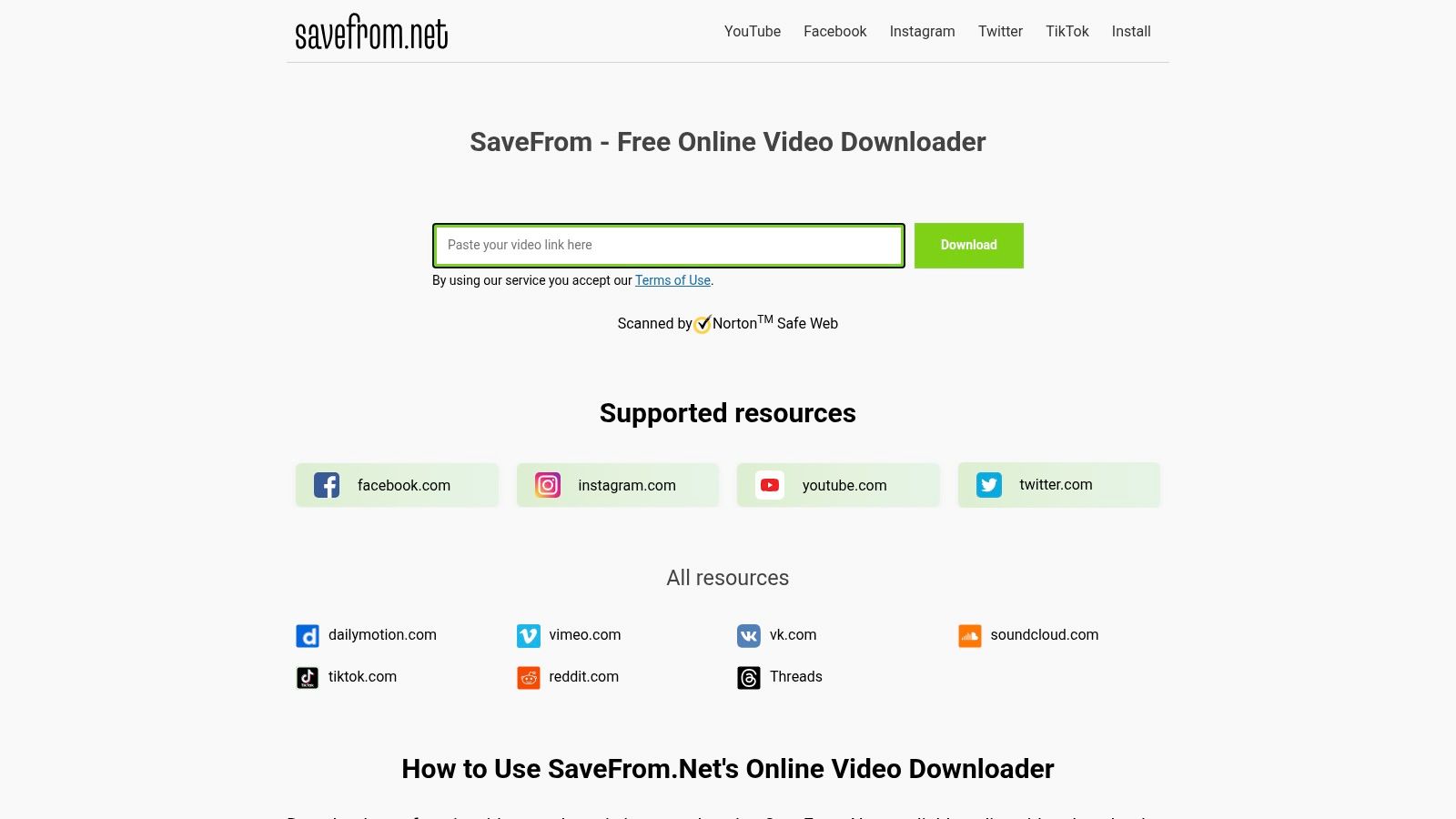
Use it only for files you own, uploads you made, or videos where the creator gave clear permission. A site fetching a stream proves technical access; your right to keep that copy still comes from ownership, license, or consent. Quality and availability can shift when platforms change delivery, so expect inconsistency rather than a dependable HD pipeline.
No install requirement lowers friction while leaving exposure intact. AhnLab described a campaign where fake YouTube download pages pushed proxyware malware disguised as a legitimate utility, covered in reporting on the fake YouTube download site campaign, with infection able to begin after a pasted URL and a download click. Deceptive buttons and ad redirects are how these campaigns deliver their payload, so treat them as the attack surface itself.
Required Safety Checks
- Reject executables and extensions: A media download should never require an installer, a browser extension, a platform login, or an unexpected archive.
- Watch the redirect: If clicking download opens unrelated tabs or pressure prompts, close the page and keep nothing.
- Scan and sandbox: Teams should use malware scanning, domain allowlists, and download audit logs rather than letting staff use anonymous converters ad hoc.
HTTPS and a clean scan are weak evidence by themselves. If you proceed for authorized content, verify codec, bitrate, resolution, and audio sync before the file enters a project. A tool that saves five minutes today can cost a rebuild tomorrow.
7. SaveTheVideo
Read the fine print before you bookmark this one. SaveTheVideo is an online downloader and converter, but its own FAQ says YouTube downloads are no longer supported. It does not meet the requirement if your source video lives on YouTube, and no feature list changes that.
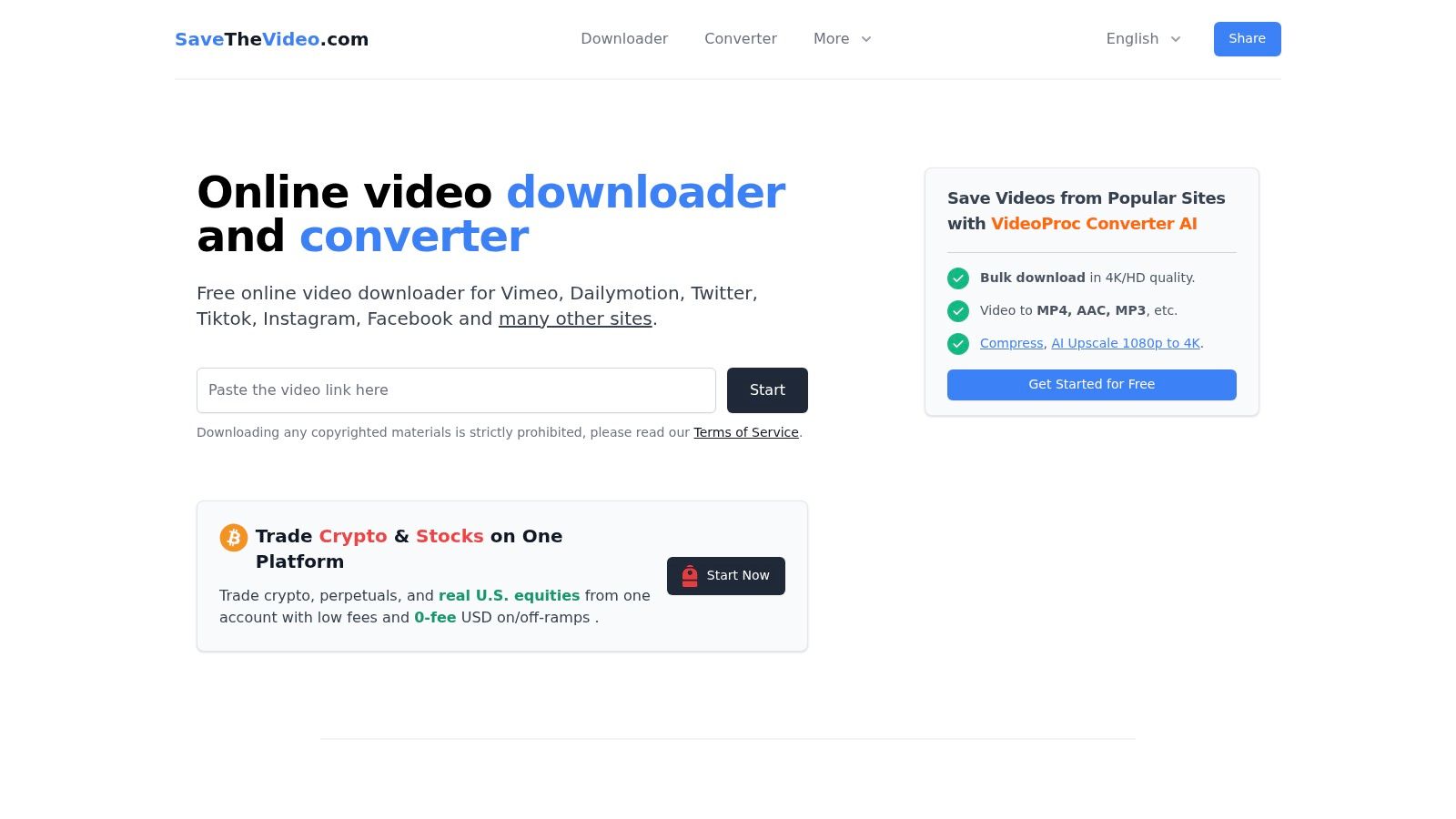
For authorized videos hosted on supported platforms elsewhere, it's more capable than a bare link paster. It offers conversion to formats including MP4 and WebM, trimming, merging of some separate audio and video streams, and subtitle related features when available, across common desktop and mobile operating systems. No installation is needed and advertising supports the free service.
Its terms also prohibit downloading copyrighted material without authorization, which puts the burden exactly where it belongs, on you. That honesty is worth noting. A tool that clearly states a major platform is unsupported is easier to plan around than one that promises everything and fails at the paste step.
Demand context explains why tools like this keep multiplying. Commercial market research estimates about 78% of downloader users regularly access YouTube content and 58% prefer tools supporting HD and 4K output, according to Global Growth Insights online video downloader market research. Treat those directional figures as a sign of user priorities, not proof that any specific site delivers on them.
Use SaveTheVideo for permitted content off YouTube where conversion or trimming is the actual job. For YouTube itself, cross it off and go back to the official and creator direct routes above.
Top 7 YouTube HD Download Options Compared
| Option | 🔄 Process / Complexity | ⚡ Resources / Cost | 📊 Expected Outcome | ⭐ Ideal Use Case | 💡 Key Advantage |
|---|---|---|---|---|---|
| YouTube Premium | Simple; download eligible videos in YouTube | Paid membership; supported device or browser | Offline playback in YouTube; no transferable MP4 | Watching eligible videos offline | Official, convenient option |
| YouTube Studio | Simple; use the channel owner's account | Free; browser and account access | MP4 of your own uploads; resolution may be limited | Retrieving an individual channel upload | Official and avoids third-party download sites |
| Google Takeout | Moderate; request an export and wait for processing | Free; Google account, time, and storage for archives | Bulk export of account videos | Backing up or exporting a channel library | Official route for bulk exports |
| Request the Creator's Original File | Depends on creator response and arrangements | May be free or paid; requires contacting the rights holder | Potentially original-quality file and usage terms | Getting permission or a high-quality copy of another creator's video | Direct consent and clearer reuse rights |
| YouTube Creative Commons Search | Moderate; find CC BY videos, verify rights, and arrange authorized file access | Free; time to check license and included materials | Identifies potentially reusable videos; no direct file download | Finding footage that may be reused under CC BY terms | Clarifies attribution expectations |
| SaveFrom | Simple paste-a-link workflow; third-party service | Advertises free browser use; ads and security risks may apply | Download options and quality vary; reliability may vary | Authorized downloads where the service works | No desktop app required |
| SaveTheVideo | Simple browser workflow for supported sites; YouTube is not supported | Advertises free use; ad-supported | Conversion and media tools for supported platforms, not YouTube downloads | Authorized media tasks on other supported sites | States its YouTube limitation clearly |
Choose by Ownership, Permission, and Output
Make the decision in the order this list is built. If you only need to watch, YouTube Premium wins and you should not be shopping for a downloader at all. YouTube's own offline viewing documentation for Premium downloads frames downloads as an in-service feature, not an original file export, so plan around playback inside the app rather than a portable MP4.
If you own the upload, the choice is about scale and fidelity. YouTube Studio handles a single quick retrieval when a reduced resolution MP4 is acceptable. Google Takeout is the right answer for bulk backups and for owners who want files closer to what they originally delivered. Running Takeout before you lose local masters is the cheapest insurance on this page.
If someone else owns the video, a YouTube HD downloader online is not your first move. Request the original file, document the permission, and specify editing, reposting, and commercial rights before money or deadlines get attached. Use Creative Commons search to source reusable footage, then still verify the license, the attribution requirement, and the rights in any music or clips inside the video.
Third-party converters sit last for a reason. They can be utilities for content you're authorized to save, and they can also hand you mislabeled bitrates, stripped metadata, broken sync, and malicious redirects. Never let a paste box substitute for a rights check, and apply the same discipline you'd use for avoiding copyright claims on YouTube to every element in a derived video, not just the footage.
Before anything gets published, run the boring checks. Confirm source and output resolution, inspect codec and bitrate, listen for audio drift, verify captions only travel where permitted, and sanity check file size against the quality you expected. A label that says HD proves nothing on its own.
For teams managing approved YouTube releases and cross-platform distribution, put the effort into the publishing workflow instead of a download queue. Scheduling and distributing authorized content through official APIs keeps scraping out of the process entirely, and that's the version of this workflow that still works when platforms tighten their rules.
Stop stitching together converter sites and one off download workarounds to move approved video around. Mallary.ai gives your team one API and dashboard for scheduling and publishing across YouTube and your other social platforms through official APIs, with preflight media checks so files go out correctly the first time. Visit Mallary.ai, connect your channels, and run your next multi-platform release from a single workflow.
Try it with Mallary
STOP!
Want ChatGPT or Claude to post on YouTube for you?
Connect your social accounts one time. Then tell your AI what to write. It can make your posts, share them, and reply on social sites that allow replies. You do not need to write code.
Pick your AI





Connect once. Ask in plain English. Mallary does the work.


