

Give Claude social media superpowers
Post, reply, upload photos and videos, and see results for all your social accounts without leaving Claude.
Sign in with OAuth. No API key to copy.
Start in three steps
Connect once. Then tell Claude what you want Mallary to do.
-
01
Click Add to Claude
Open Mallary in Claude and follow the steps on the page.
Add to Claude -
02
Sign in with OAuth
Sign in to Mallary and approve the connection. You do not need to give Claude an API key or password.
-
03
Ask Claude
Tell Claude to list your posts, reply to your comments, or draft a new post for TikTok and Instagram. Claude will use Mallary to do the social media work.
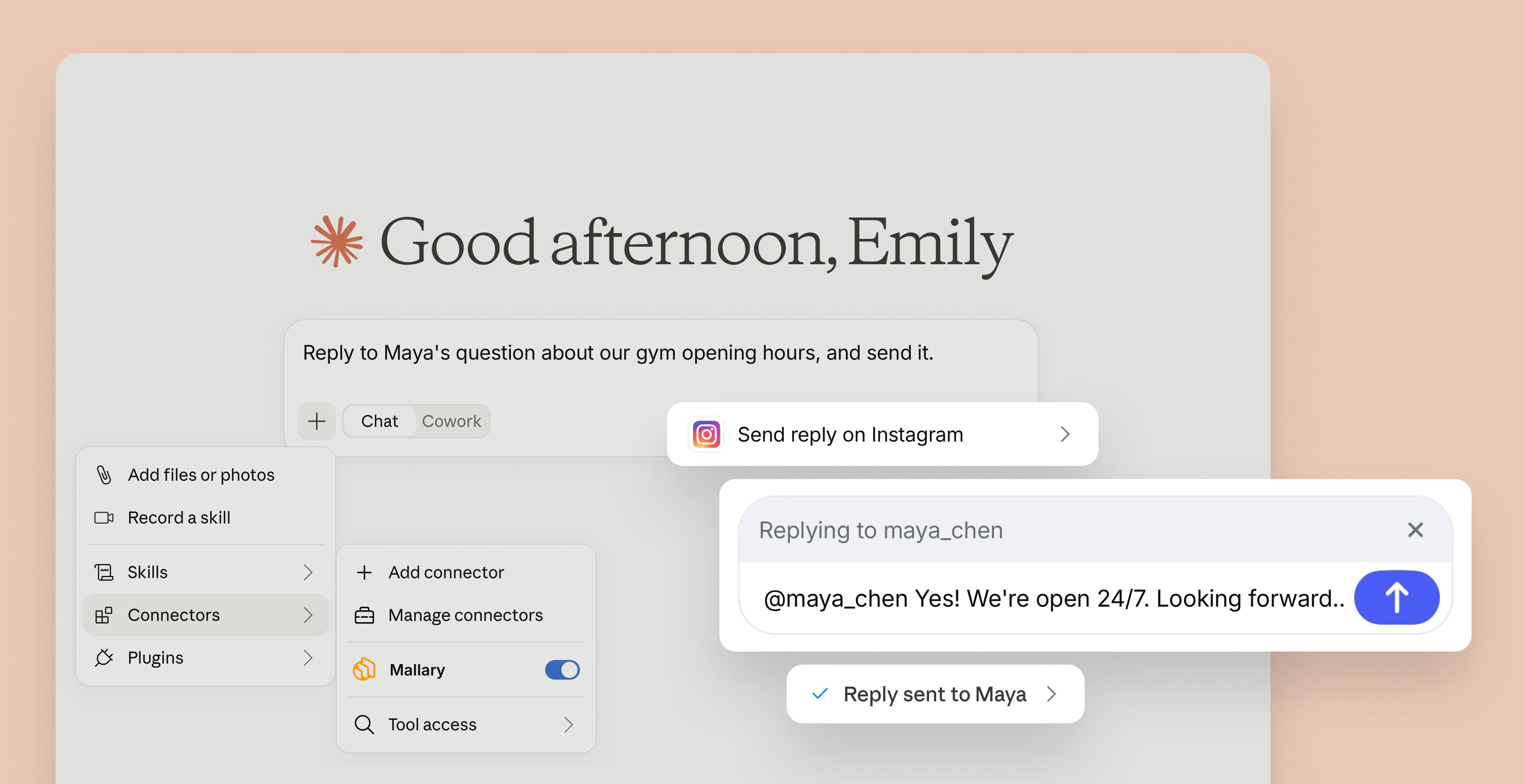
Let Claude handle your social media comments
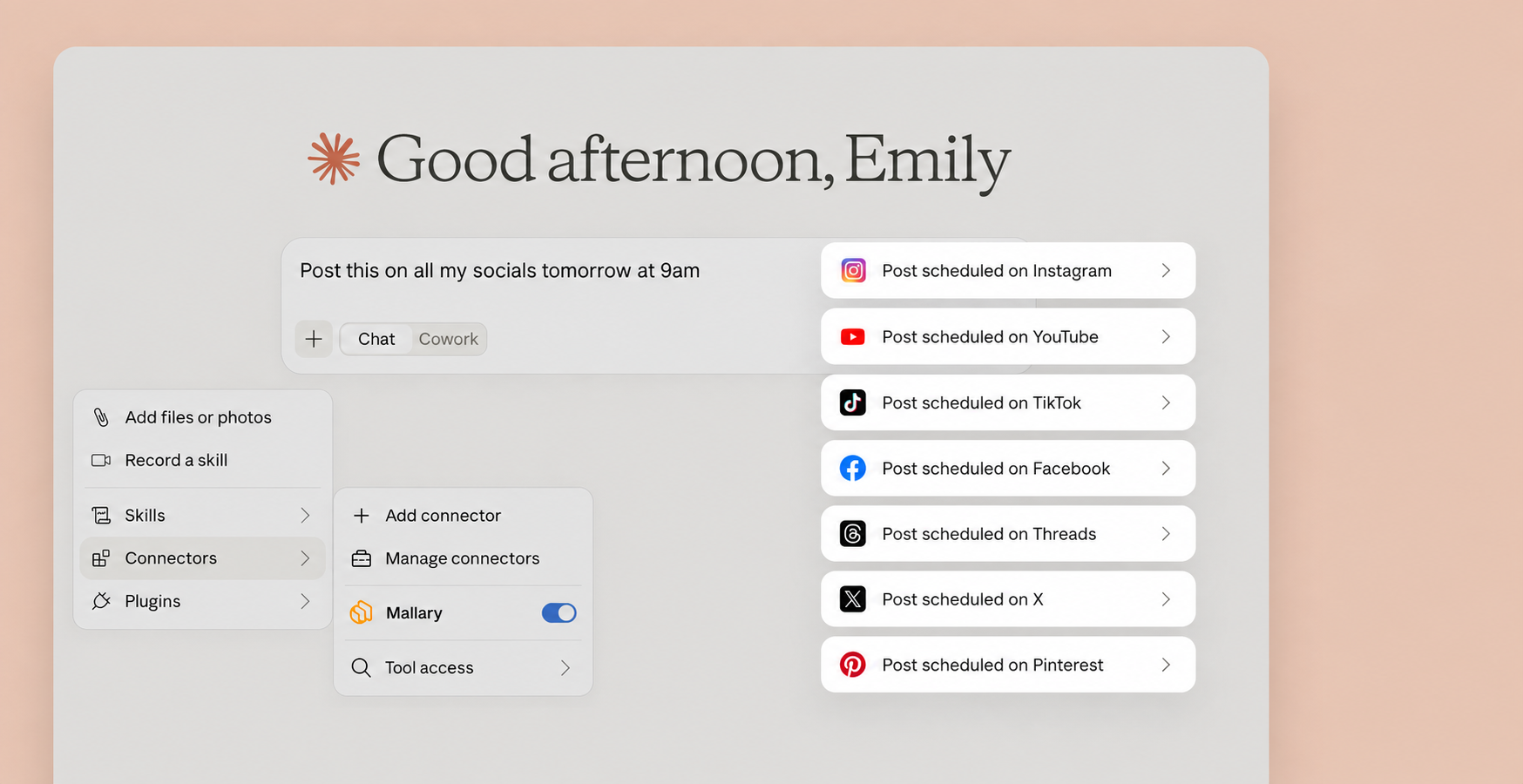
Let Claude handle your social media posts
What can Claude do with Mallary?
Ask in plain English. Mallary handles the social platform work.
Post
Create, schedule, and publish posts on your connected social accounts.
Reply
Read comments and send helpful replies from Claude.
Upload media
Upload photos and videos to use in your posts.
Get analytics
See how your posts are doing across your social accounts.
Supported Platforms
Connect accounts, schedule posts, and publish across 9 ready platforms.










Simple setup
One login gets you ready
OAuth connects Claude to Mallary. You do not need to copy or save an API key.
Your passwords stay private
Claude never sees your Mallary or social media passwords.
Use your Mallary profiles
Claude can use the social accounts you already connected to Mallary.
Ask in plain English
Tell Claude what to post, where to post it, and when it should go live.

"I automated the posting on 5 different platforms in under 20 minutes. Highly recommend!"

"I was totally confused by the official TikTok API. Mallary made it simple. Using it every day."

"OAuth management is usually a nightmare. Mallary abstracted that away completely."
Quick answers
Do I need to copy an API key?
No. Click Add to Claude, then sign in to Mallary with OAuth. You do not need to copy or save an API key.
What can I ask Claude to do?
You can ask Claude to create or schedule posts, upload photos and videos, reply to comments, and show post results.
Does connecting Mallary post anything?
No. Connecting only adds Mallary to Claude. Nothing is posted until you ask Claude to use Mallary for a post.
Which social accounts can Claude use?
Claude can use the social accounts you connected to your Mallary profiles.
Do I need to change any settings in Claude?
Yes, if you want to upload files in the Claude user interface and ask Claude to post them, then there is one simple step. Grant Claude network access to upload files to Mallary's CDN.
Ready to post to your socials from Claude?
Click Add to Claude, sign in, then ask Claude what you want Mallary to do.